
OPC UA Edge Sync
Connect OPC UA machines to IXON Cloud quickly with a guided setup and automatic variable sync.
Install
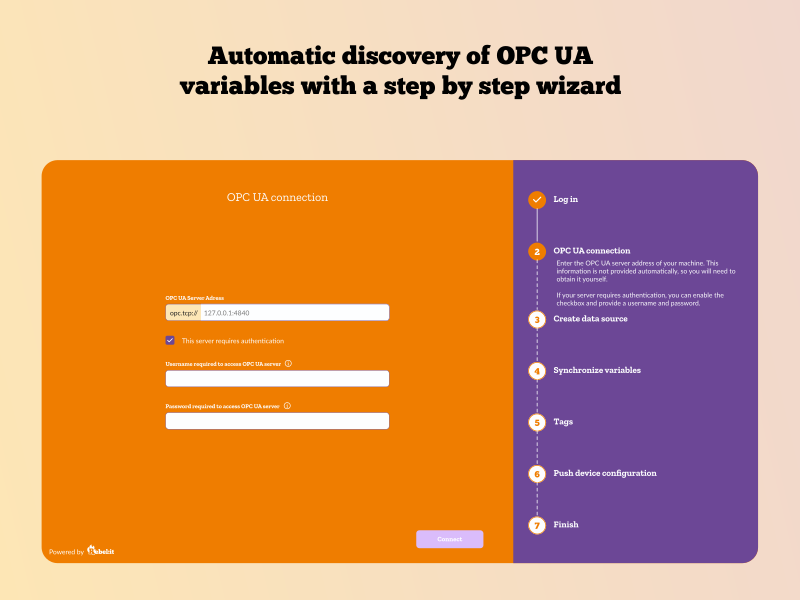
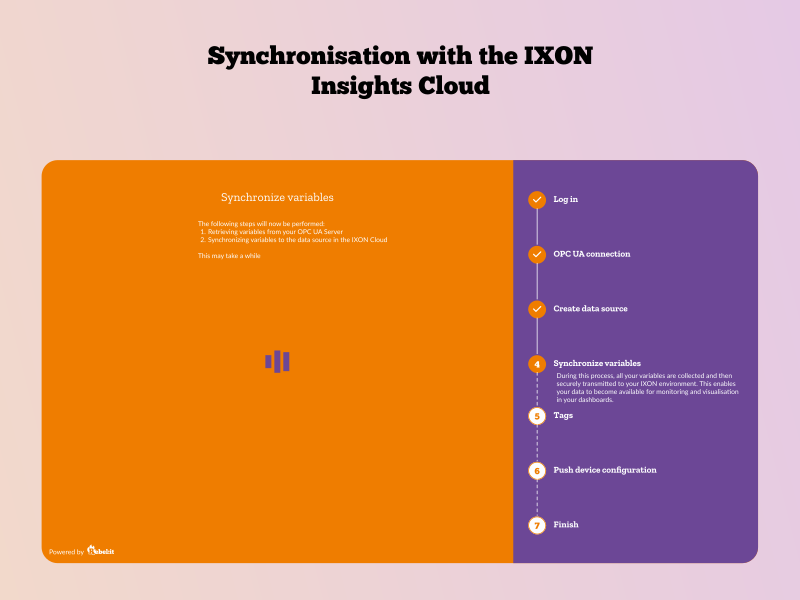
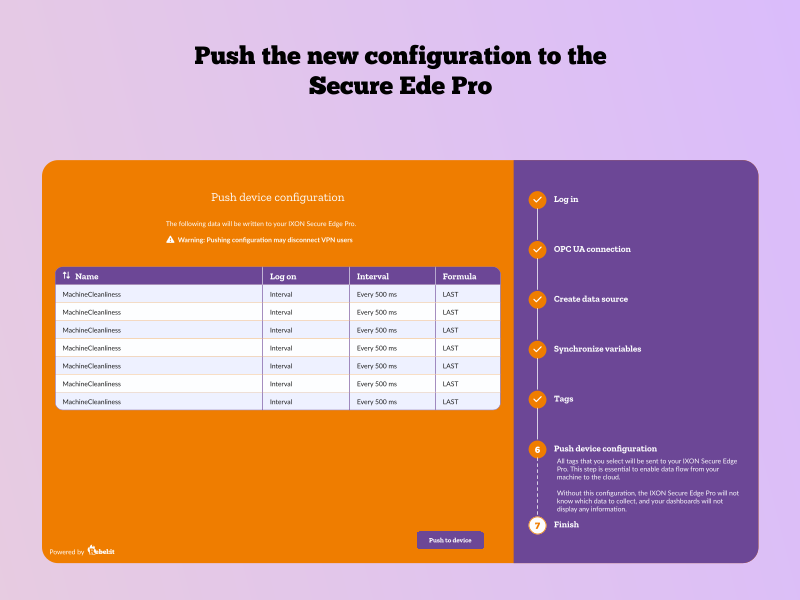
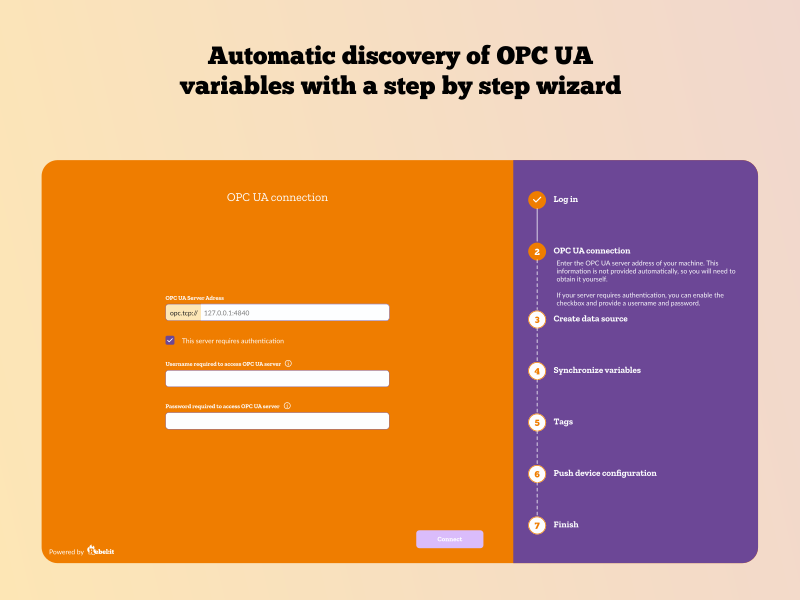
The OPC UA Edge Sync is designed to simplify the process of configuring and populating the IXON Machine Insights Cloud using OPC UA.
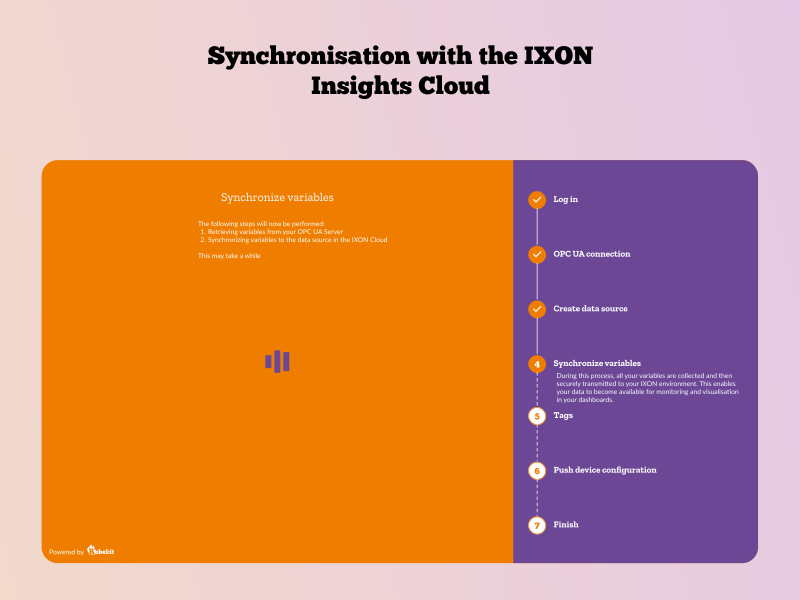
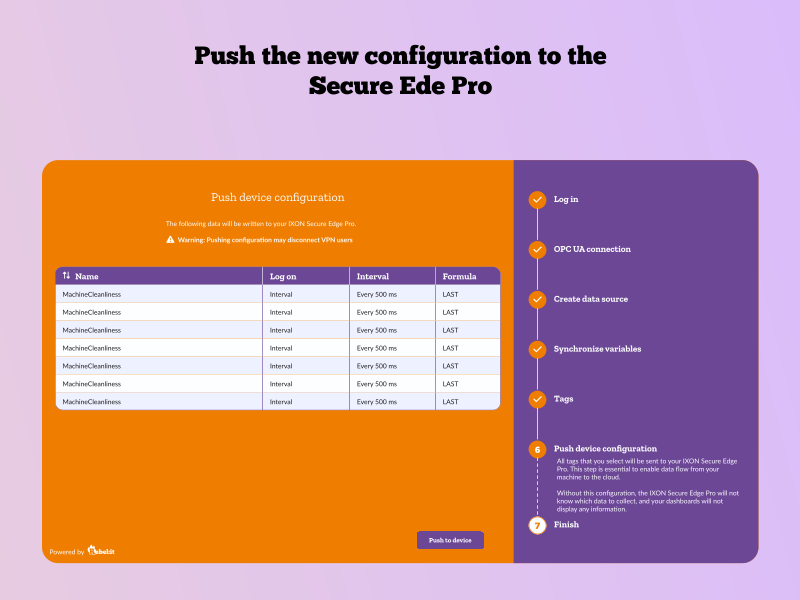
The OPC UA Edge Sync provides a guided setup wizard that runs on the IXON Secure Edge Pro.
After installation, users can access the wizard through their browser to start the configuration.
The wizard guides users through the following steps:
By following this guided process, you will have a solid starting point for your IXON Machine Insights Cloud.
The app runs as a Docker container on the Secure Edge Pro. See the installation guide on Github:
rebel-ot-discover-edgeapp/getting_started.adoc at main · Rebel-it/rebel-ot-discover-edgeapp